
Building Imagination with 3D Printing
Are you ready to catch the wave of creativity with your young students? Hang ten as we dive into the thrilling world of 3D printing, tailor-made for Grades K-4. By using templates and a drawing tool in Tinkercad, we’ll navigate the waters of design and innovation, making it a breeze for even the youngest learners to ride the 3D printing wave. In this session, we will look at actual projects completed in Grades K-4, try our hand at designing and creating our own, and learn tips and tricks to make this a fun and easy project for littles! Participants will walk away with links to various templates they can immediately use in their classrooms. Don’t miss out on this opportunity to ride the wave of imagination and inspire your young learners to explore new horizons.
Download Presentation Here:
Building Imagination with 3D Printing
Download Handouts:
Ancient Culture Design Brief
Here links to the templates we have used:
Flower Pots
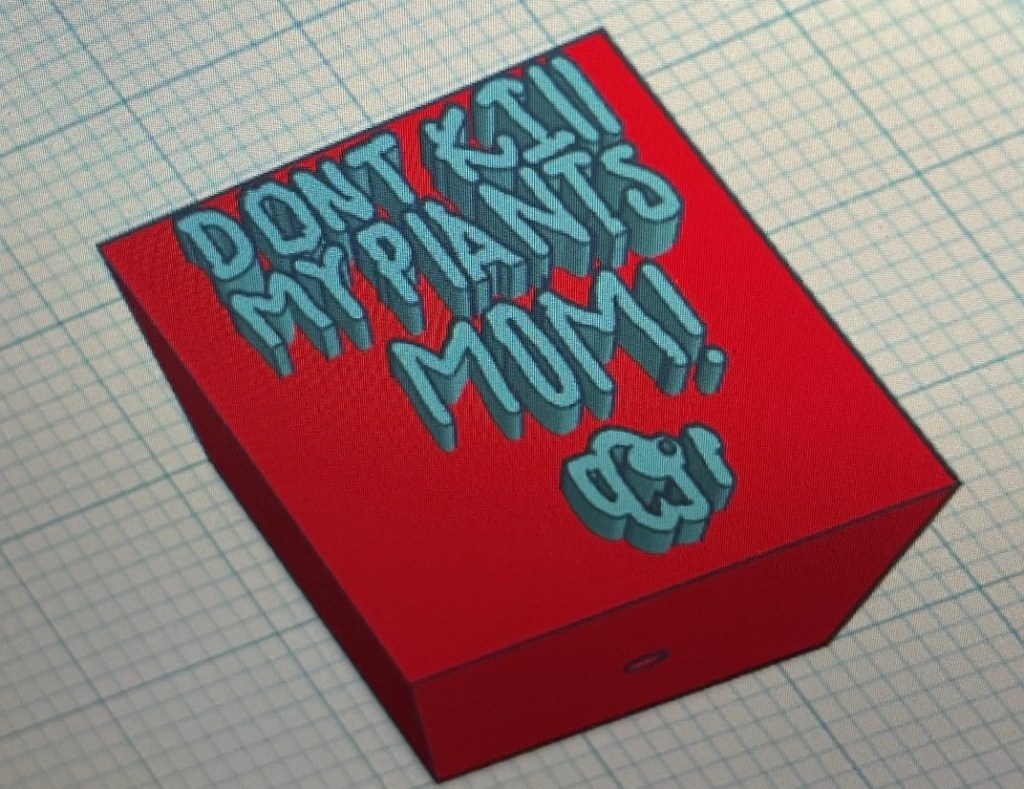
- Rounded – https://www.tinkercad.com/things/i1Yh0mzpP2d
- Square – https://www.tinkercad.com/things/k3qE4qjUbgW
Bag Tags – Typing
- Raised Letters Template – https://www.tinkercad.com/things/lGsWvt5sl8X-bag-tag-raised-letters-template
- Hole Letters Template – https://www.tinkercad.com/things/cngB6lBI8cZ-bag-tag-hole-letters-template
Bag Tags – Type and/or Draw

- With text – https://www.tinkercad.com/things/0zv0EVfh6Jt
- Without text – https://www.tinkercad.com/things/7piA6St2rvz
Other Templates
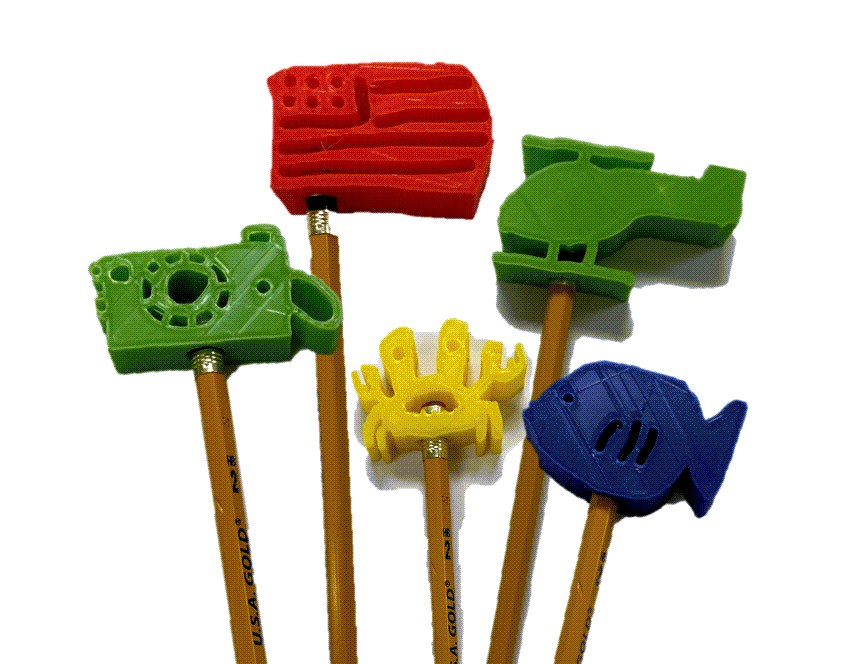
- Pencil Topper – https://www.tinkercad.com/things/flvBcULZ6Js
- Bubble Wand – https://www.tinkercad.com/things/dI42fSajMsc
- Landmark Sign – https://www.tinkercad.com/things/9q8HIEznlre-landmark-sign-template
- Jack-o-lantern – https://www.tinkercad.com/things/1IYaFS6OLLB-jack-o-lantern-with-fitting-lid-template
- Valentine with editable message – https://www.tinkercad.com/things/ePeOiK7rxws-valentine-with-message
- Valentine with scribble – https://www.tinkercad.com/things/f7mwtkAlyX8-valentine-with-scribble
- Name Plate – https://www.tinkercad.com/things/6dVlfTdrWCn-name-plate-template
Advanced Templates
Articulated Object Template – https://www.tinkercad.com/things/bza8uQnR9Wd-articulated-object-template
Directions:
- Import silhouette with a width of 100.
- Choose the silhouette and resize height to 8.1.
- Use the arrow keys to move it until it’s lined up with the joints like you want.
- Group the holes and silhouette only.
- Group the object.
 The Learning Collaboratory